Your phone, on your screen .
Mirror shows an iPhone or iPad on a Mac or Windows PC over the USB cable, with sound, in about a tenth of a second. Free.
Pick the computer
you have.
- macOSMirror for Mac
Apple silicon, macOS 12 or later. Open the dmg, drag to Applications.98 MB ↗ - WindowsMirror for Windows
Windows 10 or 11, 64-bit. One file, nothing to install.74 MB ↗ - iPhone, iPadMirror app, source
iOS 17 or later. Open in Xcode 15, sign with your Apple ID, run on the phone.20 KB ↗ - Windows needsApple Devices app
Brings Apple's USB driver. Mirror offers to install it for you.free ↗ - oriTunes for Windows
The same driver, the older way.free ↗ - macOS needsNothing else
The USB service is built into macOS.—
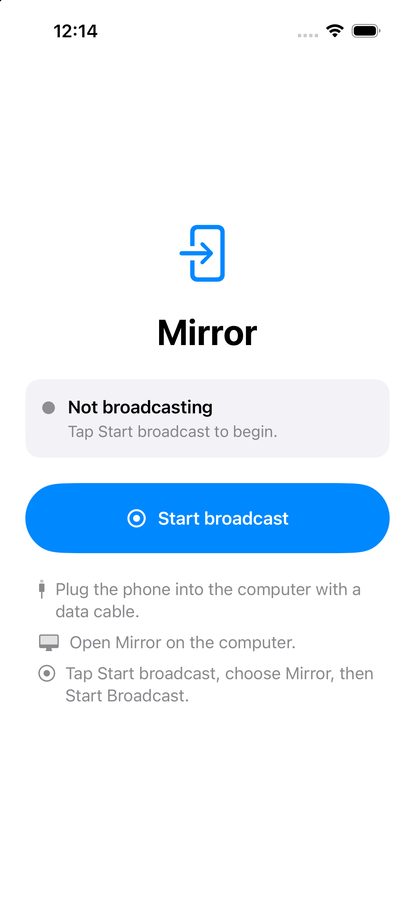
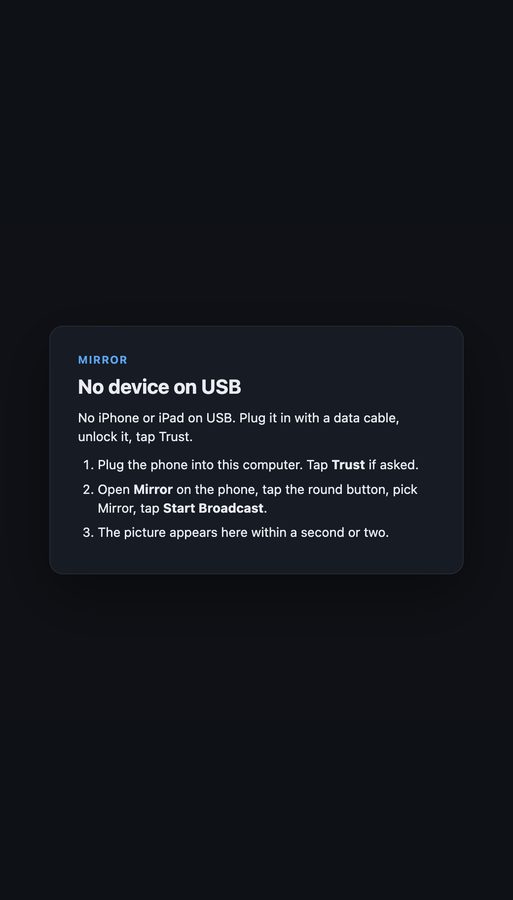
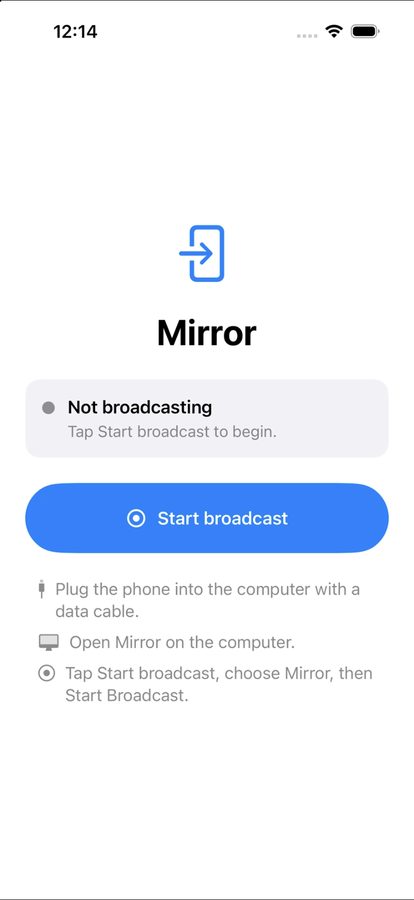
Plug, tap, watch.
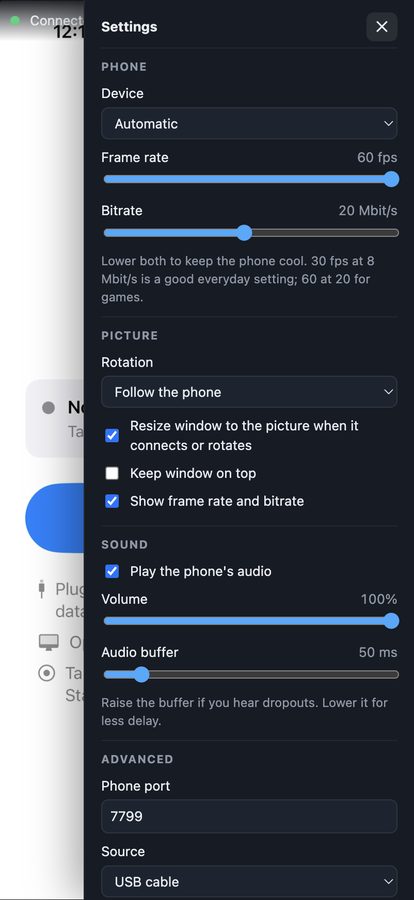
How many frames a second?
The same slider as in Mirror's settings. Lower it to keep the phone cool.
52ms
One frame of waiting for the capture (1000 ÷ frame rate), about 8 ms to encode, under 3 ms on the cable, about 8 ms to decode, and up to 17 ms for the monitor's next refresh. Measured end to end with an iPhone 16 Pro: 60 to 100 ms.
Asked tonight
Why do I have to tap Start broadcast every time?
iOS only lets a screen broadcast begin from a tap on the phone, in the system sheet. No app can start one on its own. Mirror on the computer waits, and connects the moment you tap.
Why did the picture go soft?
The phone got warm. iOS halves the capture from 884×1920 at 60 fps to 406×884 at 30 fps when the phone reports a serious thermal state, and restores it when it cools. Turn the brightness down, set a charge limit of 80%, charge from a USB-A port, and ask for 30 fps in Mirror's settings. The status line on the computer shows the thermal state.
Windows says there is no device.
Windows needs Apple's USB driver, which comes with the Apple Devices app or iTunes. Mirror offers to install it. If you have used DouWan, it replaced that driver with libusb-win32: in Device Manager, uninstall the entry under “libusb-win32 devices”, tick delete the driver, and plug the phone in again.
Why does the computer warn when I open it?
The builds are not code-signed. On Windows, click More info, then Run anyway. On a Mac, right-click Mirror and choose Open the first time. It never happens again.
Does it work over Wi-Fi?
No, on purpose. The cable is what keeps the delay at a frame or two and the picture at 20 Mbit/s with no dropouts. Wireless mirroring from the phone sits at 100 to 200 ms and softens under load.
Netflix shows a black screen.
Protected video is blanked by iOS for every capture method, including the built-in screen recorder. Games, apps, and the camera all mirror fine.
How do I get the phone app?
Download the source above and open it in Xcode. Sign in with any Apple ID, pick your phone, press Run. A free Apple ID keeps the app for seven days at a time; a developer account keeps it for a year.